Two distinct caller needs
Welcome to [Company]. For questions about an order, please press one. For technical support, press two. For two clearly different destinations. Also decide what happens if the caller makes no selection.
Scripts, audio & practical setup
A good IVR message makes the right destination clear on the first listen. Use six scripts, a real recording and practical guidance for menu choices, retries and the moments when nobody can answer.
Hear the words come to life
Calm, assured, measured
Welcome to Northline Services. For questions about an order, please press one. For technical support, press two. For all other enquiries, press zero.
A keypad menu with Robert Steiner for a fictional business. One, two and zero are example choices. Your phone system must separately assign their destinations and input behaviour.
Copy the menu text and adapt the options and keys in the generator. Configure the selection rules separately in your phone system.
Describe familiar caller needs and give every offered key a clear destination.
Plan for no input, an invalid key and a valid choice with no available team.
Configure the recording and routing separately, then test every path with a call.
Free scripts to adapt
Copy the script you need, paste it into the generator and replace every detail in square brackets. The note under each script explains when to use it.
Welcome to [Company]. For questions about an order, please press one. For technical support, press two. For two clearly different destinations. Also decide what happens if the caller makes no selection.
Thank you for calling [Company]. For [Enquiry one], press one. For [Enquiry two], press two. For [Enquiry three], press three. For all other enquiries, press zero. Zero is an example, not a universal operator key. Only offer it when an appropriate reception destination is configured and available.
We have not received a selection. For questions about an order, please press one. For technical support, press two. The system must accept another input after this message. Limit retries and plan what happens afterwards.
That option is not available. For questions about an order, press one. For technical support, press two. To speak to reception, press zero. Only name valid keys. The retry and reception options must match this specific menu.
We could not recognise your selection. We will now connect you to reception. Please stay on the line. For the end of a defined number of attempts. A busy or closed reception team needs its own alternative.
Our [Team] cannot take your call right now. Please leave your name, callback number and a short message after the tone. We will review it during our phone hours. Use only when the relevant mailbox actually records a message after this greeting.
From script to a working call
IVR stands for Interactive Voice Response. In a conventional phone menu, callers use the keypad to choose a destination. The recording describes the choices; the phone system interprets the input and routes the call. An AI voice can produce that recording without providing a free-form conversation. Before writing, list each caller need, its key, its destination and the person responsible.
“Questions about an invoice” is often easier to understand than an internal department name. Give the purpose first and the key second. Keep the same sentence pattern and leave short pauses between choices. Remove overlapping options and unnecessary submenus. Ask someone unfamiliar with your organisation whether they can find the right destination without hearing everything twice.
No input may mean someone is still listening or does not understand the options. An invalid key is a different situation. Plan a helpful prompt, a limited retry and an available ending for each. Zero, star and hash do not automatically have a universal function. Offer “back” or “repeat” only if the relevant key actually does that in this menu.
The selected team may be busy, unanswered or closed. Decide whether callers reach a queue, another person, voicemail or a closing message. Check working hours and holiday exceptions for each destination. Avoid repeating “we are connecting you” indefinitely when nobody can take the call. The recording must describe the next step your system really provides.
Offer each language in words its callers understand. An early language selection can avoid repeating every service menu in multiple languages. Use the same key for the same purpose in parallel menus. Keep later waiting, error and voicemail messages in the selected language too. The language used to operate the website and the language spoken to callers are separate settings.
Copy a script and replace options, keys and names. Check the free AI preview with its protective notice; a finished single announcement starts at €49 net as a one-time purchase. Separate menu, error and closing files require several announcements. Confirm the import specification, assign each file to its step and test keys both during and after playback. Whether early input works depends on your system and settings.
Small changes. Clearer expectations.
The problem
“For the CXS department, press three.”
A better approach
“For questions about an invoice, please press three.”
Use a purpose callers recognise. The key still needs to lead to the correct team.
The problem
Without input, the same menu starts again indefinitely.
A better approach
Set a retry limit followed by an available destination or a clear ending.
Changing the recording alone does not remove a loop in the routing rules.
The problem
“Press zero for reception” is offered without a configured destination.
A better approach
Set the destination and availability before offering the key.
Spoken choices and technical assignments must agree.
Before callers hear it
Tick off each point as you test. The checklist stays on this page and resets when you reload.
Listen for the pauses. Where you would take a breath reading it aloud, the voice needs one too.
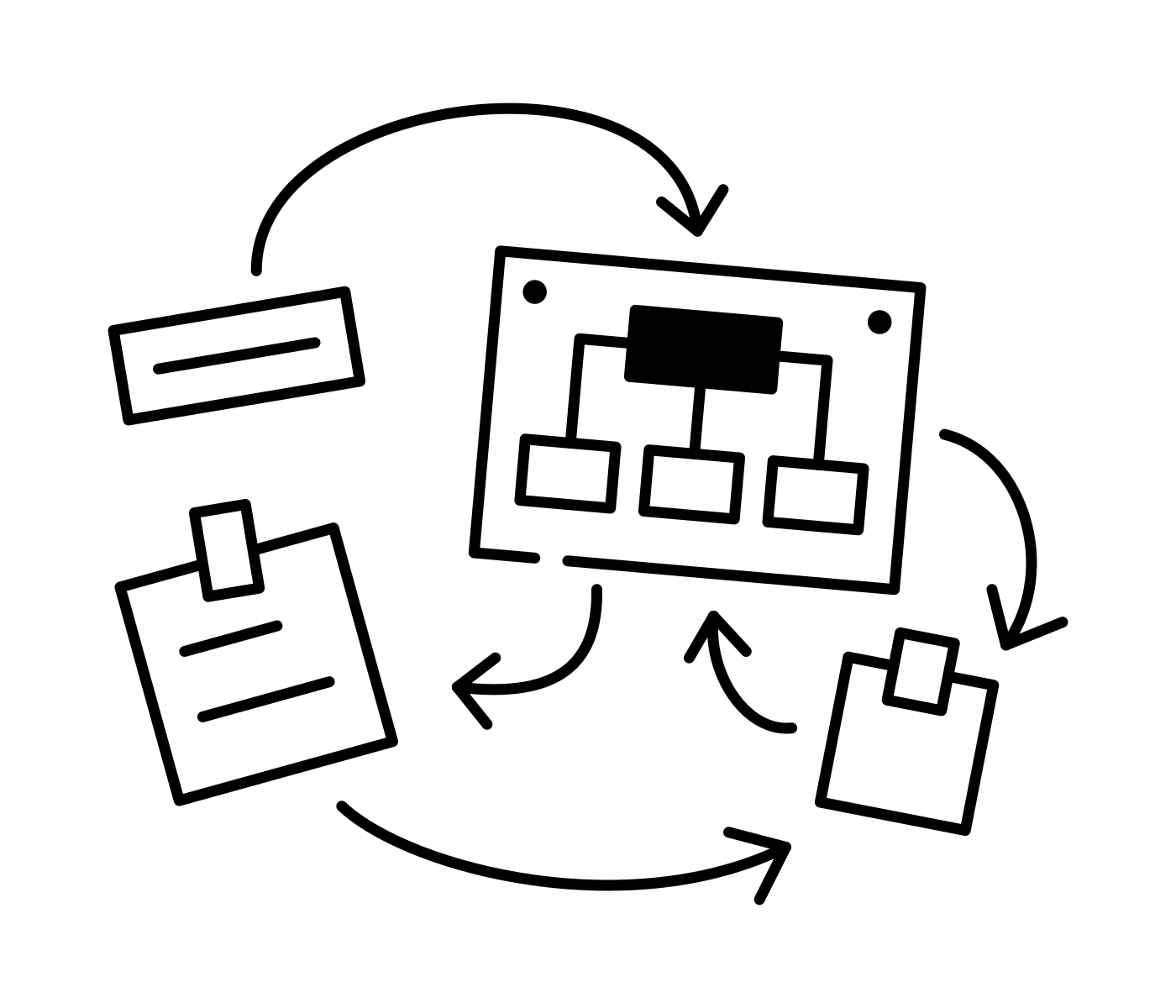
It explains the choices in a phone menu. For example, one may lead to order enquiries and two to technical support. The recording states the options; your phone system implements the keys, destinations and exceptions.
Use as few as you need for clear routing. No single number suits every business. Test whether someone unfamiliar with your organisation can understand the purpose and key on the first listen, and remove unnecessary submenus.
Your phone-system configuration determines that. Plan a helpful prompt, a limited retry if useful and a sensible alternative. Test it explicitly: uploading a recording does not set the input timeout or retry limit.
That depends on the phone system and menu settings. Some flows accept early input; others wait until playback ends. Test both situations and do not promise an option that is not configured.
An AI-generated audio file is a recording. A conventional keypad menu follows configured rules. Free-form conversation or speech recognition needs additional, separately configured functionality.
phon.ist creates recordings and helps you plan their place in a call flow. Key assignments, routing, time rules and error handling are configured separately in your phone system.
The next part of your caller journey
Preview your own text for free. Finished announcement from €49 net, one-time.